Four RGB interface captures and one RGBA app icon.
Reproducible benchmark
A transparent look
at PNG compression.
Five Tuan Labs–owned interface assets were processed with ShrinkDuck’s default settings. Inputs, outputs, exact byte sizes, and checksums are published so the result can be inspected rather than taken on trust.
Published fixtures
Exact settings
Downloadable outputs
No competitor claims
Exact total: 2,452,009 → 413,385 bytes.
For this published fixture set—not a universal savings claim.
Primary results
Real files. Documented settings.
Every row represents one source file processed individually at quality 65. Pixel dimensions were preserved in all five outputs.
| Fixture | Dimensions | Input | Output | Saved | Files |
|---|---|---|---|---|---|
| Appearance & language | 1600 × 1000 | 494,353 B | 78,156 B | 84.2% | Input Output |
| Compression complete | 1600 × 1000 | 644,638 B | 106,054 B | 83.5% | Input Output |
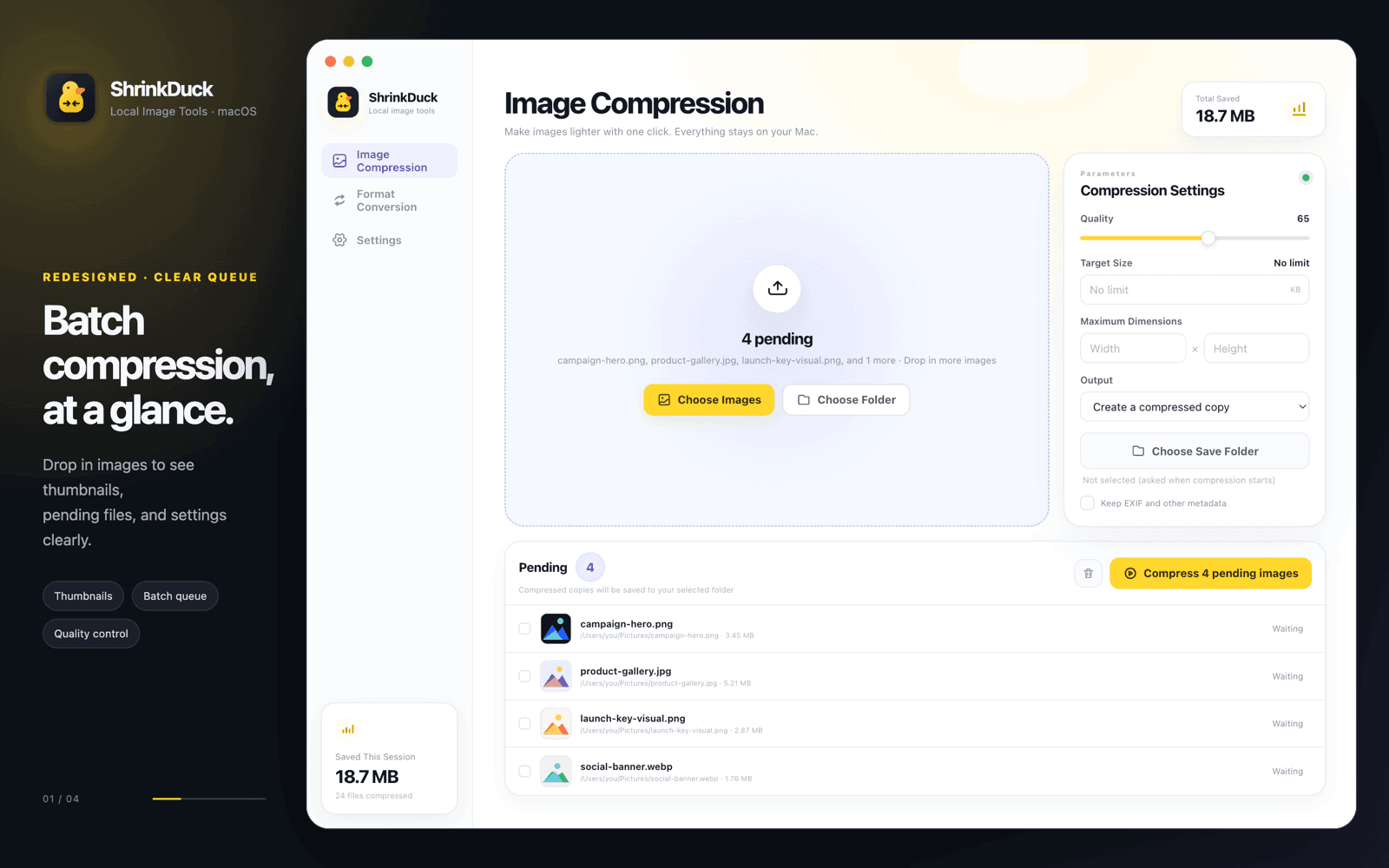
| Compression pending | 1600 × 1000 | 629,468 B | 104,954 B | 83.3% | Input Output |
| Format conversion | 1600 × 1000 | 594,481 B | 95,468 B | 83.9% | Input Output |
| App icon · alpha | 1024 × 1024 | 89,069 B | 28,753 B | 67.7% | Input Output |
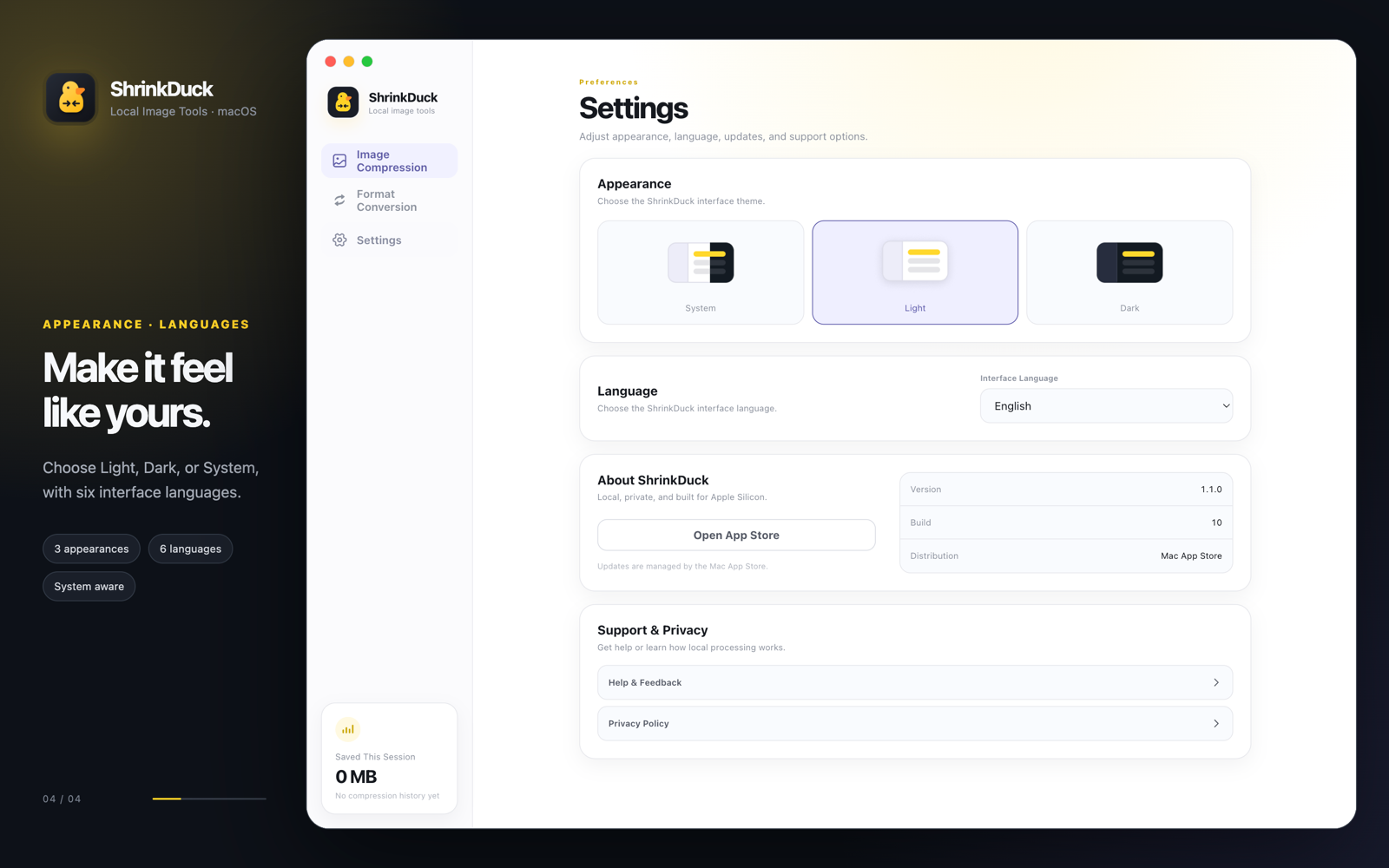
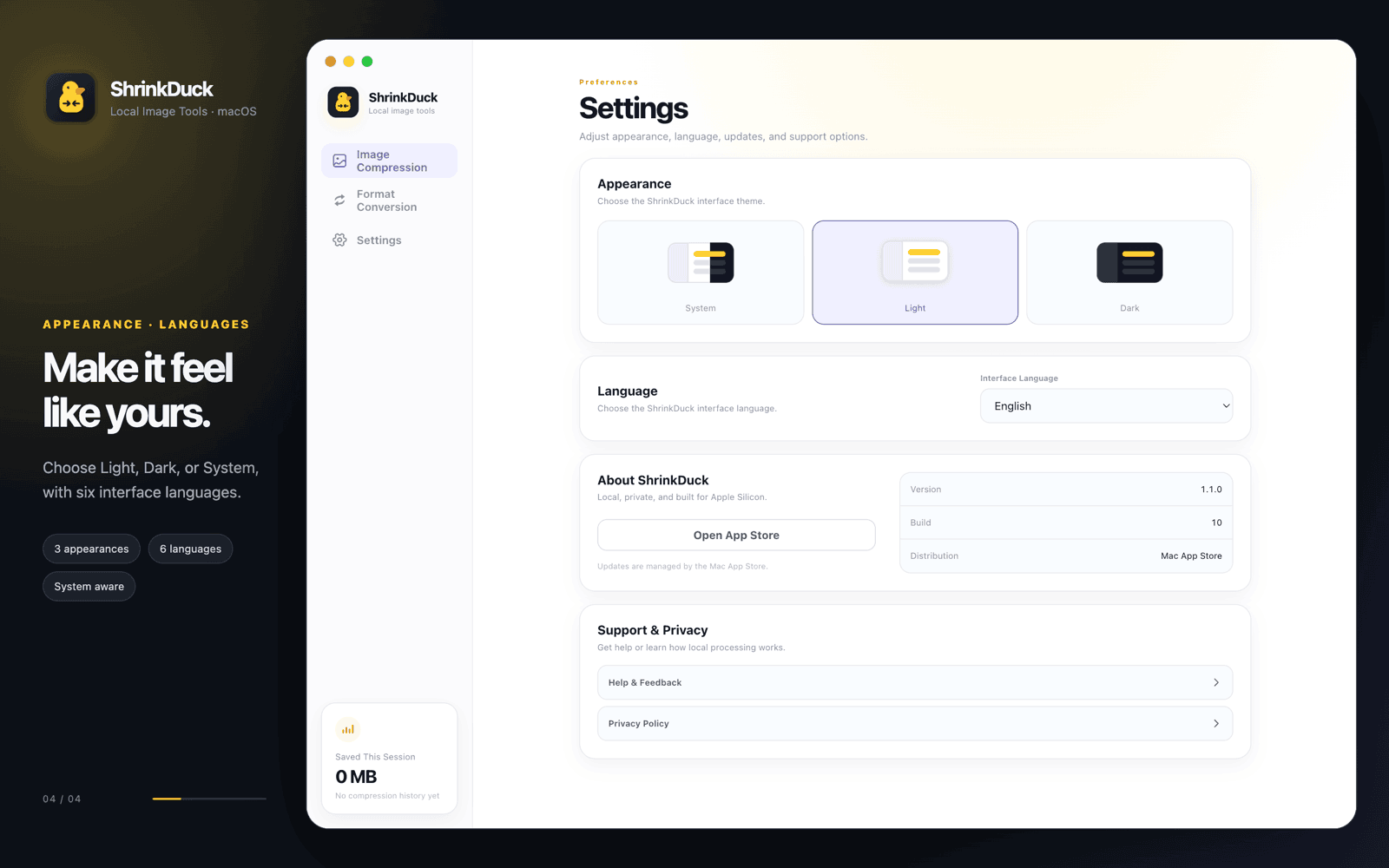
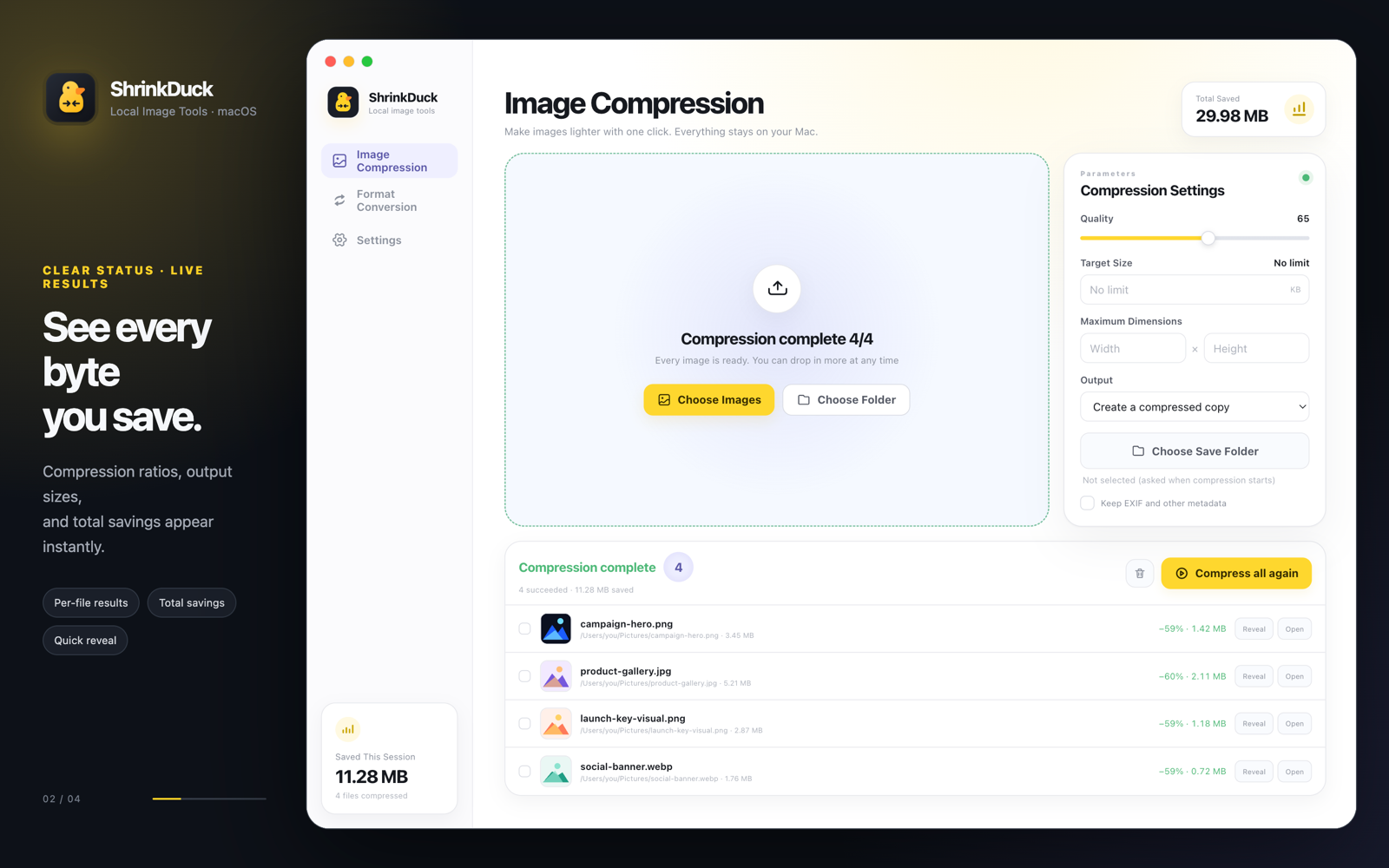
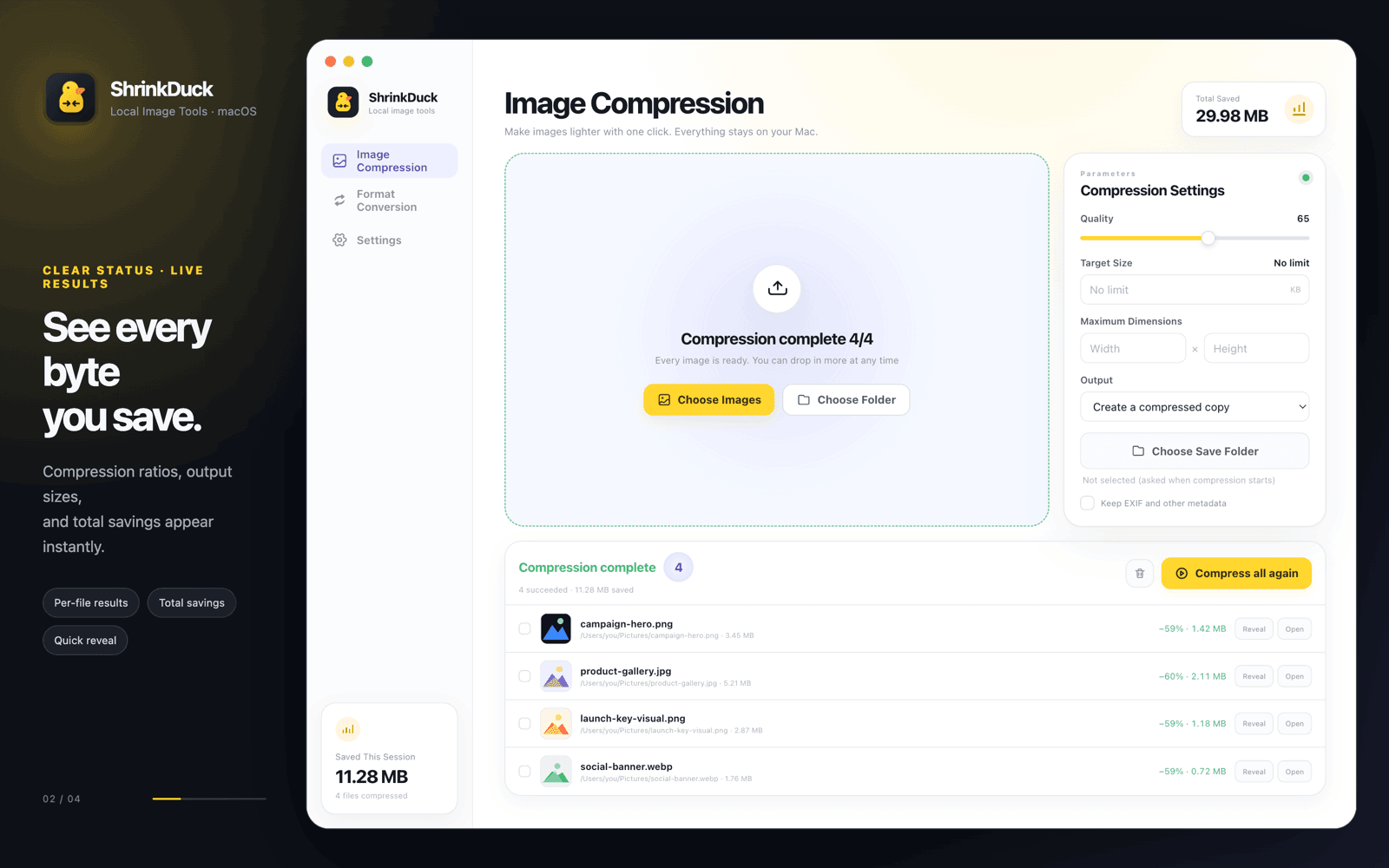
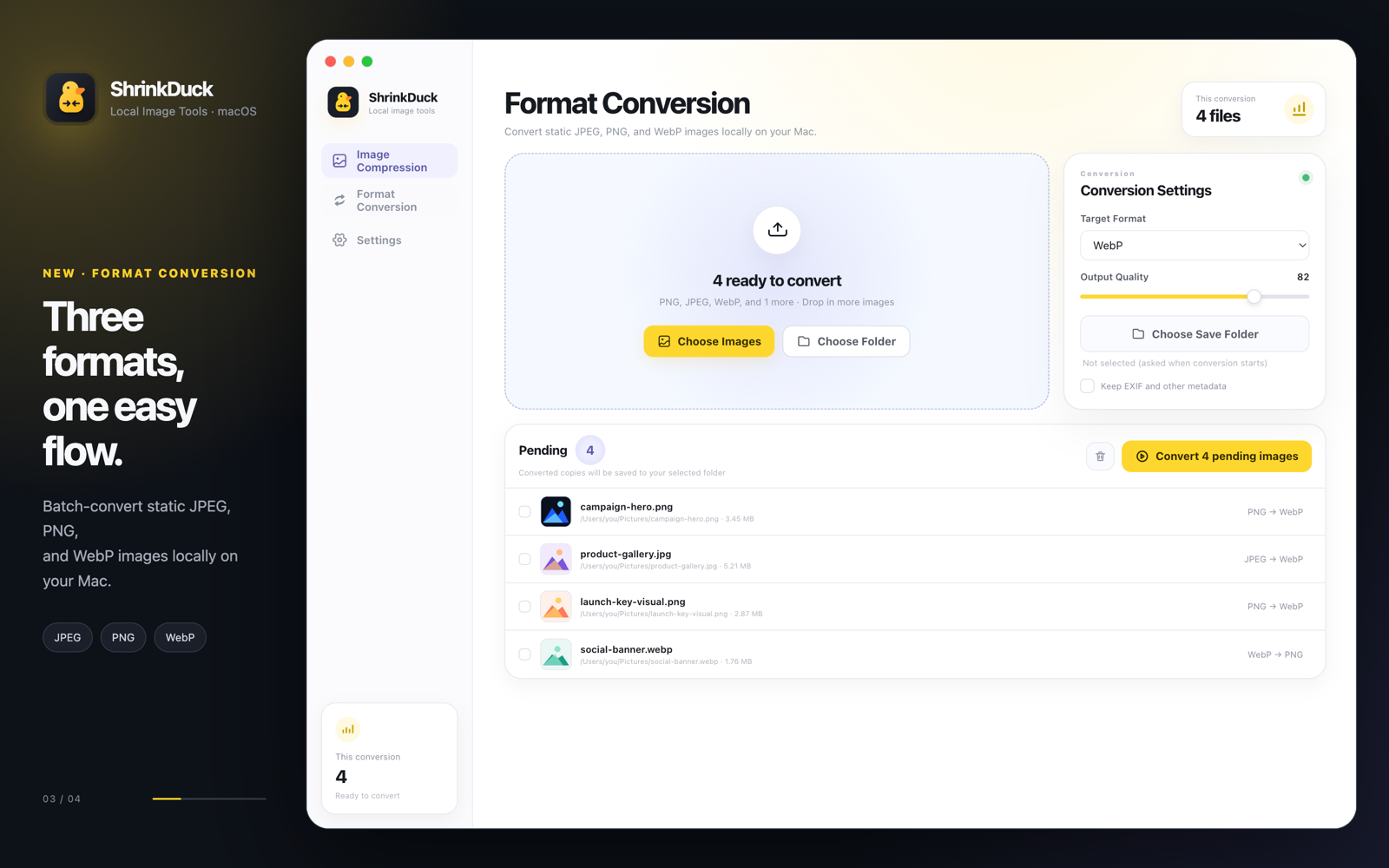
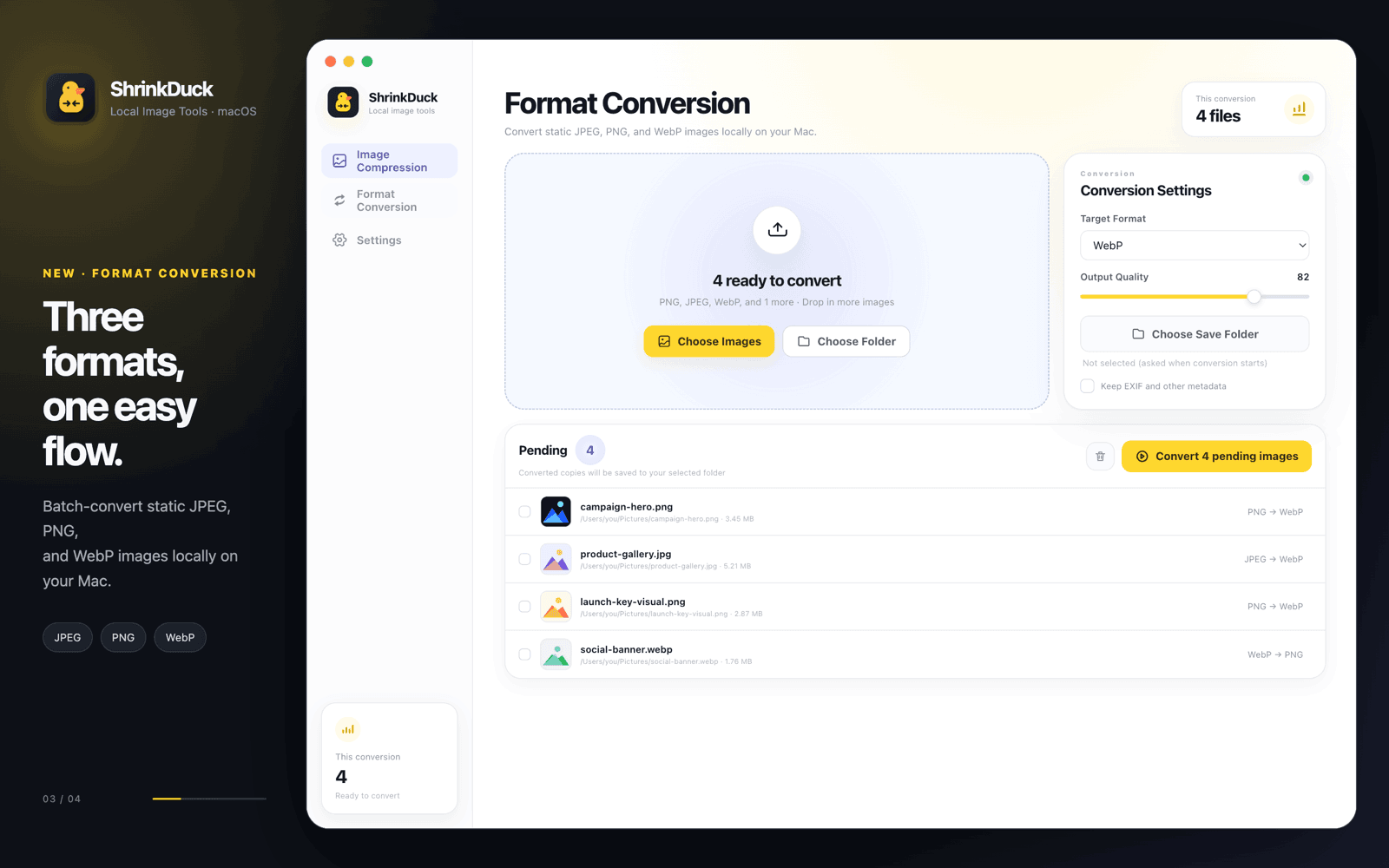
Download the machine-readable manifest for exact settings, SHA-256 checksums, and output metadata.
Inspect the output
Before and after, at the same dimensions.
These previews use the actual published files. Open or download either image to compare it at 100% scale.
Input · 614.7 KiB
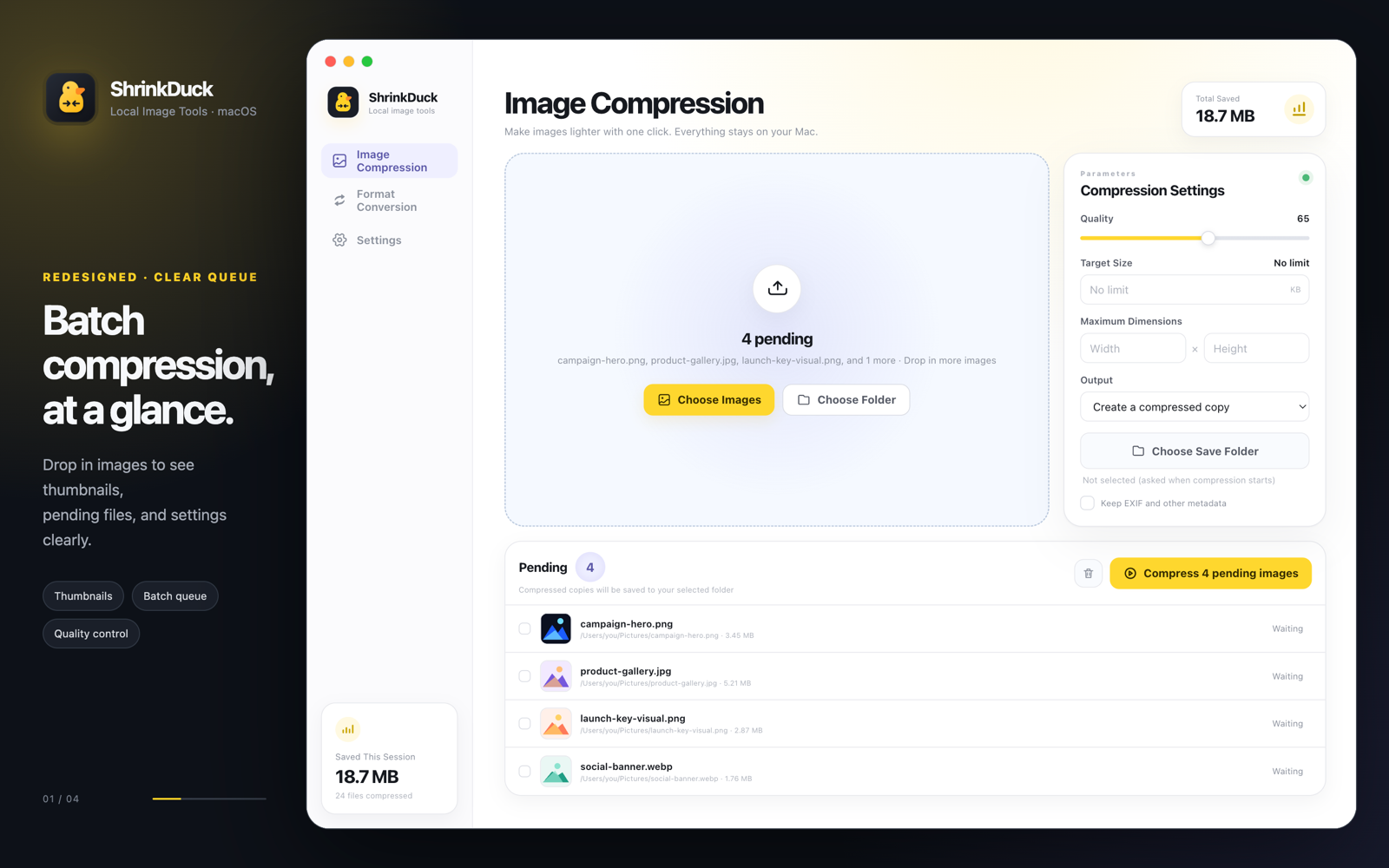
Output · 102.5 KiB
Input · 87.0 KiB
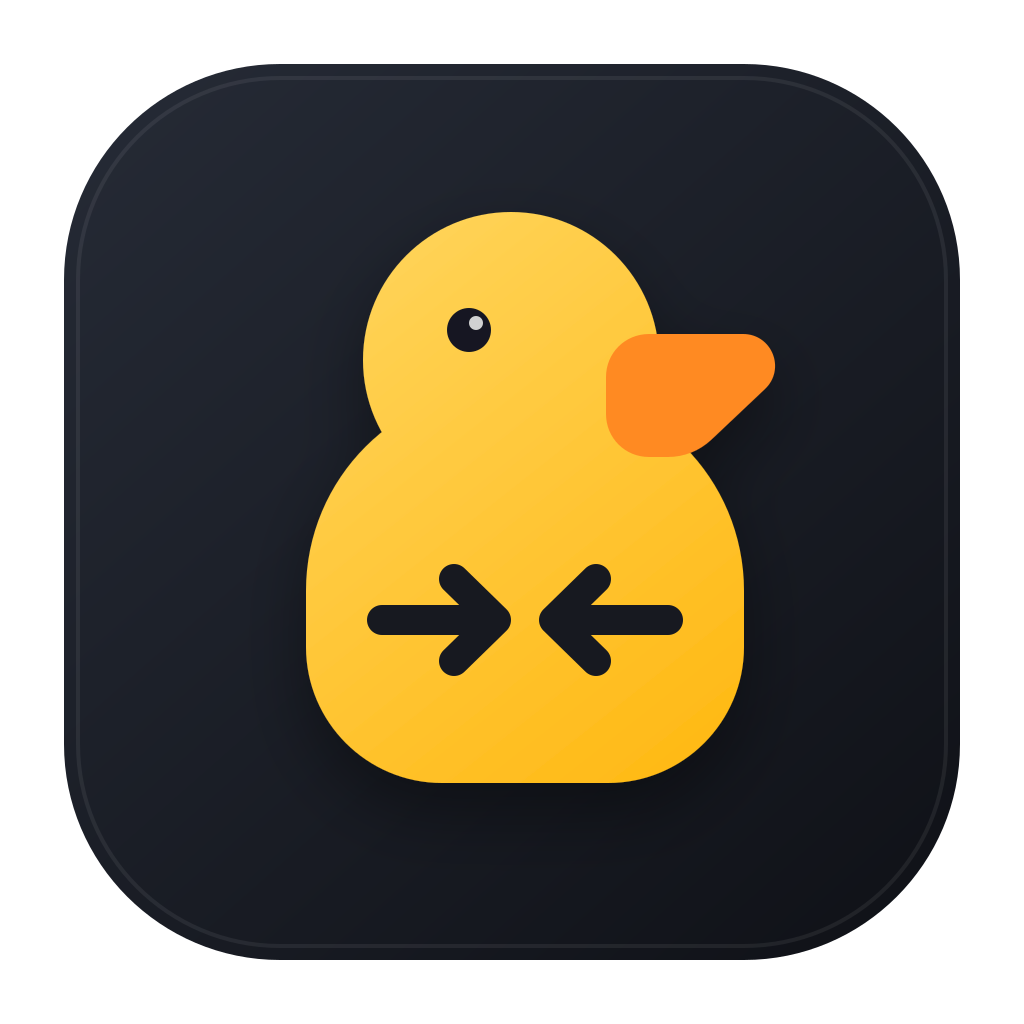
Output · 28.1 KiB

Method
How this test was run.
- Software
- ShrinkDuck 1.1.0, build 10
- Machine
- Apple Silicon MacBook Pro with Apple M5 Max, macOS 26.4
- Settings
- Quality 65; target size off; maximum dimensions off; metadata preservation off; create compressed copy
- Fixture ownership
- Tuan Labs product interface captures and app artwork already published on this website
- Calculation
- (Input bytes − output bytes) ÷ input bytes × 100
- Verification
- Independent file-size readback, decoded dimensions, alpha presence, and SHA-256 checksum for every file
Questions
Benchmark details.
What settings does this benchmark use?
The primary test uses ShrinkDuck’s default compression quality of 65 with target size, maximum dimensions, and metadata preservation disabled.
Does normal compression resize an image?
No. All five outputs kept their original pixel dimensions. ShrinkDuck resizes only when maximum width or height is explicitly set.
Does PNG transparency remain available?
Yes. The transparent app-icon fixture retained an alpha channel and its original 1024 × 1024 dimensions.
Why might my result differ?
Compression varies with image content, existing optimization, metadata, transparency, dimensions, and selected settings. These fixtures make this result inspectable, not universal.
Try your own images.
Keep them on your Mac.
ShrinkDuck is free for Apple Silicon Macs.
Download on the Mac App Store