Private by default
Your images never leave your Mac.
No account, uploads, analytics, or tracking. Compression and conversion happen entirely on your Mac—even offline.

ShrinkDuck for Mac
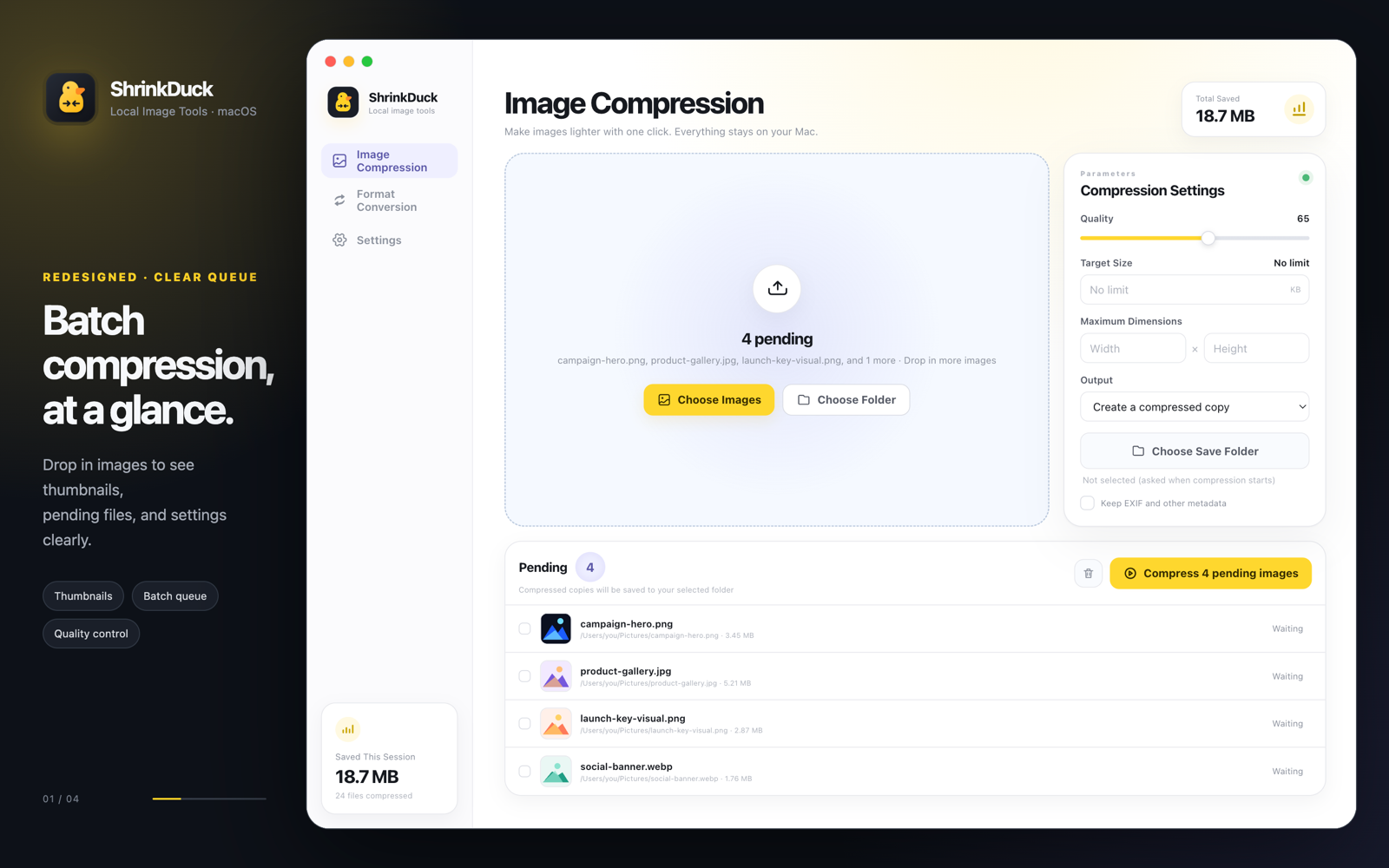
Compress and convert an entire folder of images on your Mac. ShrinkDuck keeps the workflow fast, the controls clear, and every file private.
Built around your files
ShrinkDuck gives you practical control without turning a simple image task into a complicated workflow.
No account, uploads, analytics, or tracking. Compression and conversion happen entirely on your Mac—even offline.
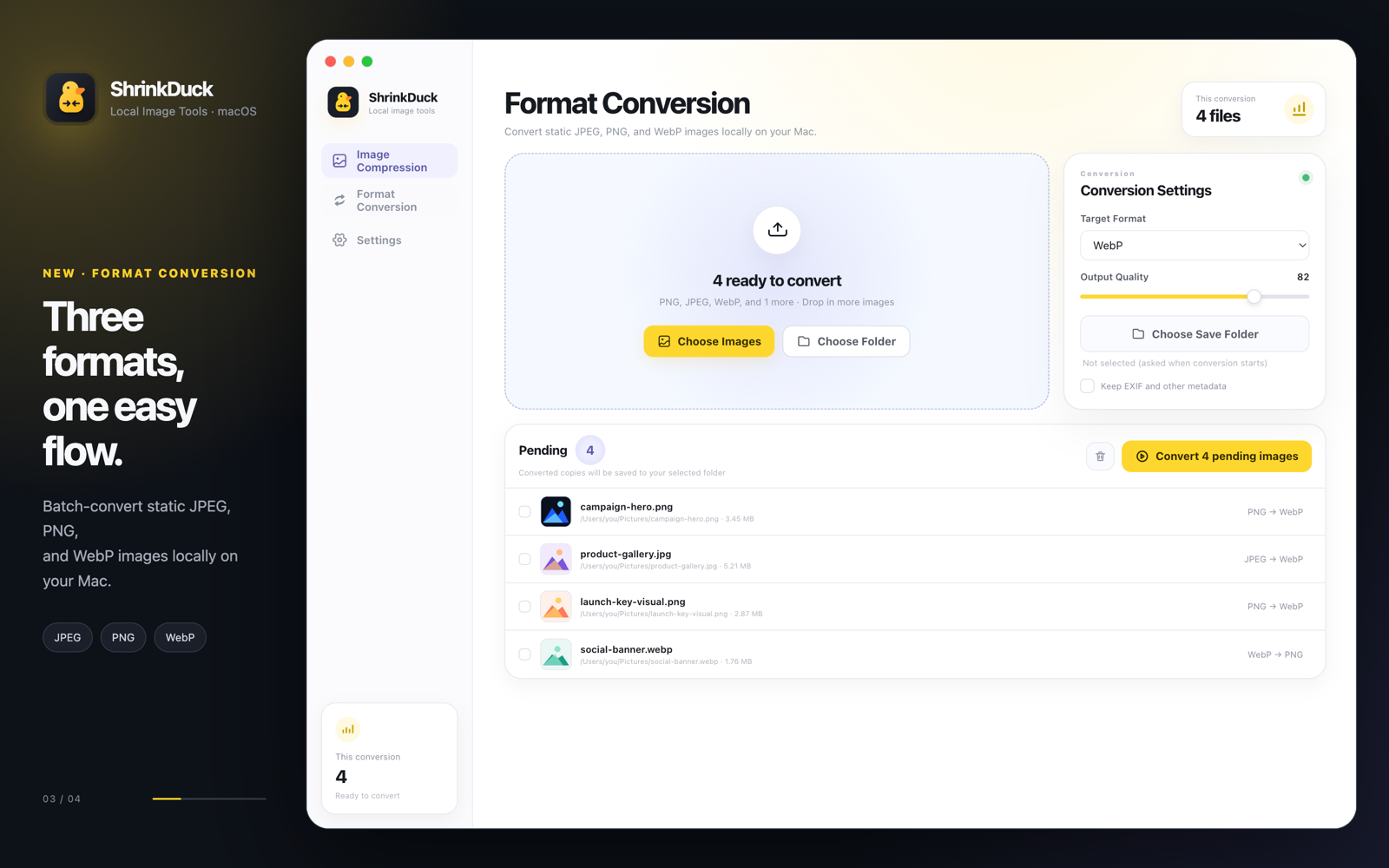
Convert one file or a whole folder between the formats your workflow needs.
Adjust compression quality, set a target file size, or limit maximum width and height while keeping the workflow understandable.
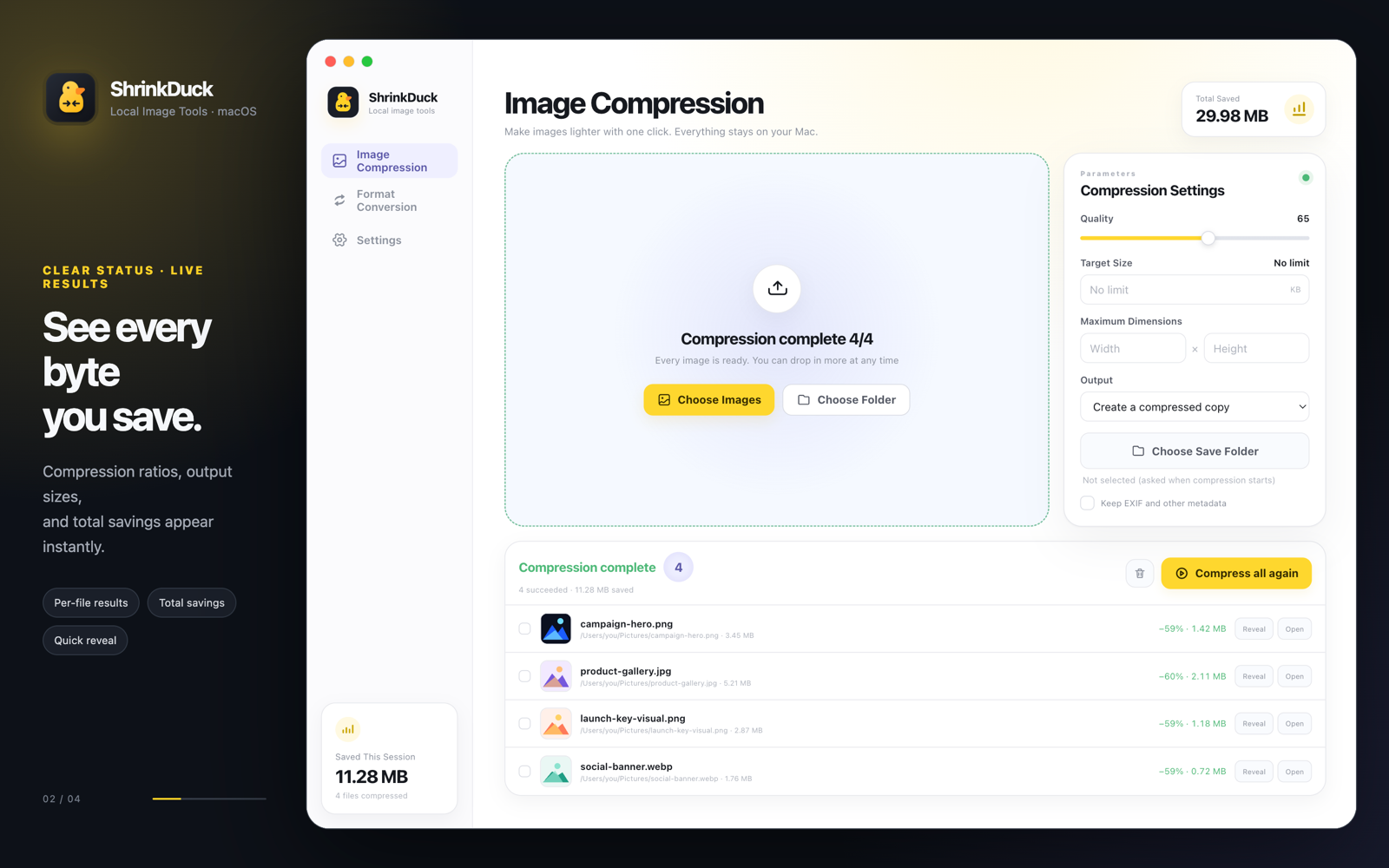
Process multiple files at once, follow each result, and see the total space saved at a glance.
Separate compressed copies are the default. When you replace an original, ShrinkDuck creates a backup first and can restore it from the result list.
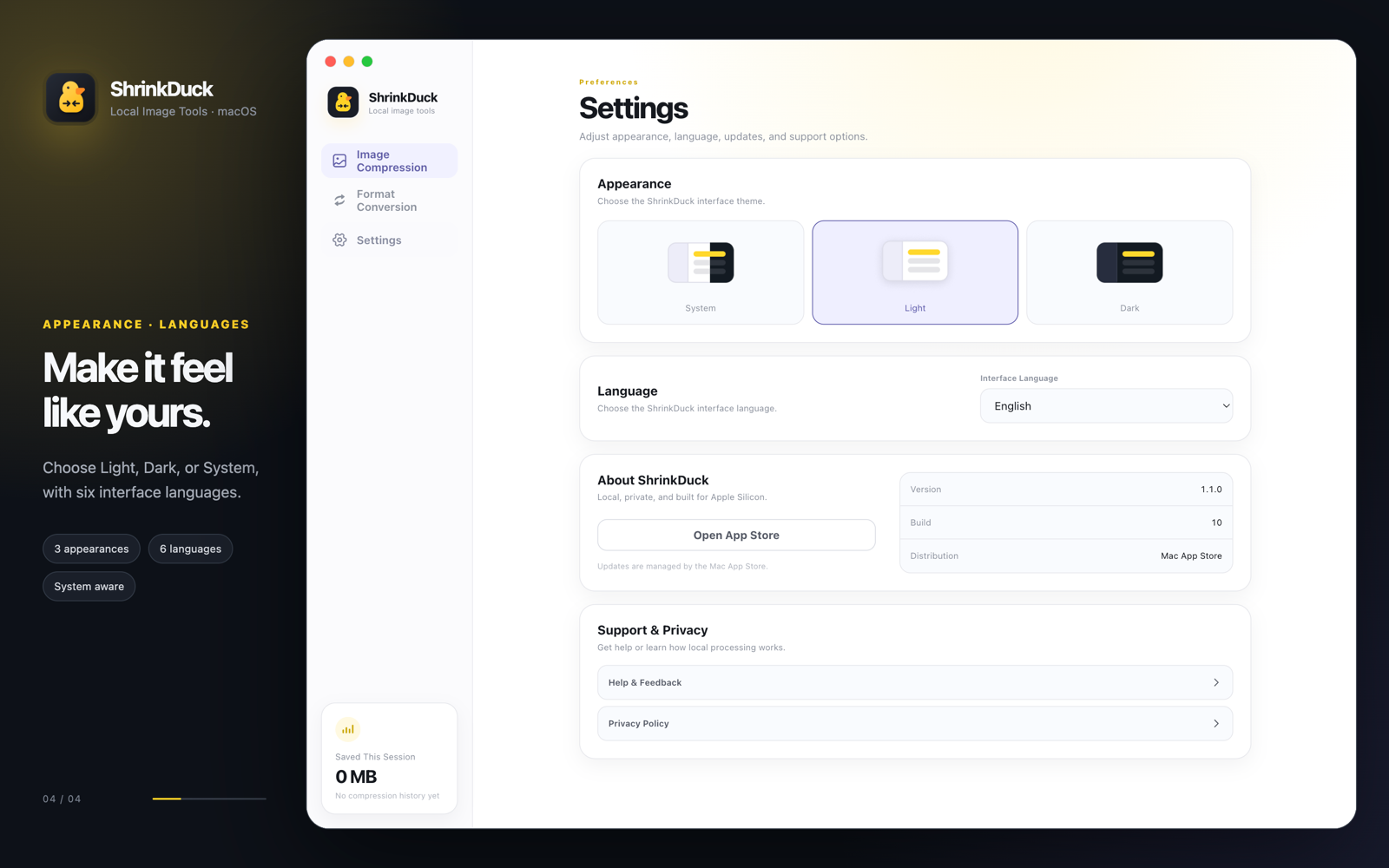
Light, Dark, and Follow System appearances. Six interface languages. A native-feeling workflow designed for macOS.
Three easy steps
Drag files into ShrinkDuck or choose them from Finder.
Set quality, file size, dimensions, output mode, and metadata preference.
Review each result, locate the output, or restore an original when needed.
A clearer workflow
Pending, processing, and completed states stay visible, so batch work never feels like a black box.
Good to know
No. Every image is processed locally on your Mac. ShrinkDuck requires no account and includes no image uploads, advertising, analytics SDKs, or trackers.
ShrinkDuck compresses JPEG, PNG, WebP, and GIF files. It can also convert between JPEG, PNG, and WebP.
The default output mode creates a separate .compressed copy. If you choose to replace an original, ShrinkDuck creates an independent backup first.
Target file size compression preserves the original pixel dimensions unless you separately set a maximum width or height.
Yes. ShrinkDuck preserves the alpha channel when processing transparent PNG files.
ShrinkDuck supports Apple Silicon Macs running macOS 13 or later. It is available free from the Mac App Store.
Free for Apple Silicon Macs. No sign-in required.
Download on the Mac App Store